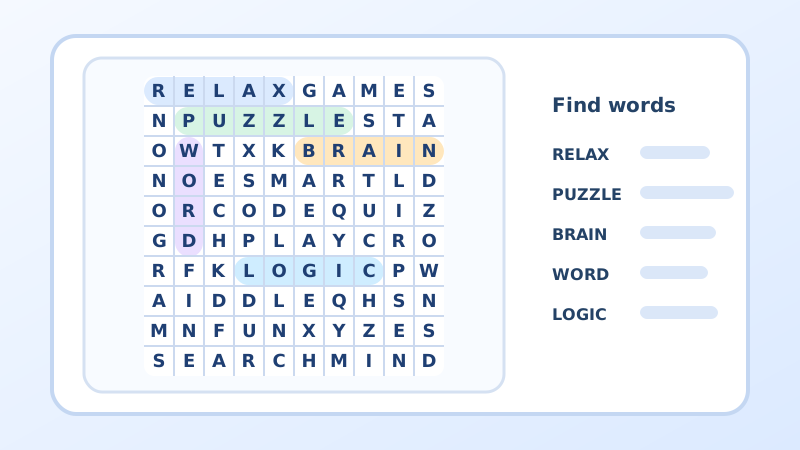
Word search puzzles
Solve word searches in different categories or create your own word search.
Open word searches
Solve word searches in different categories or create your own word search.
Open word searches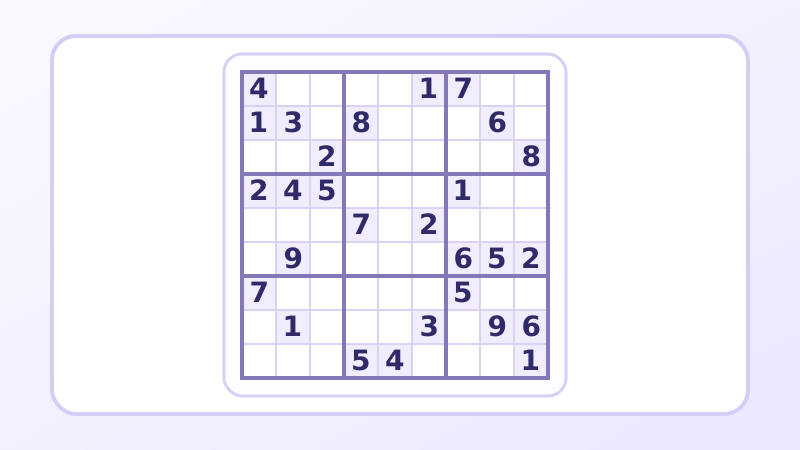
Choose a difficulty level and find new Sudoku puzzles every day.
Open Sudoku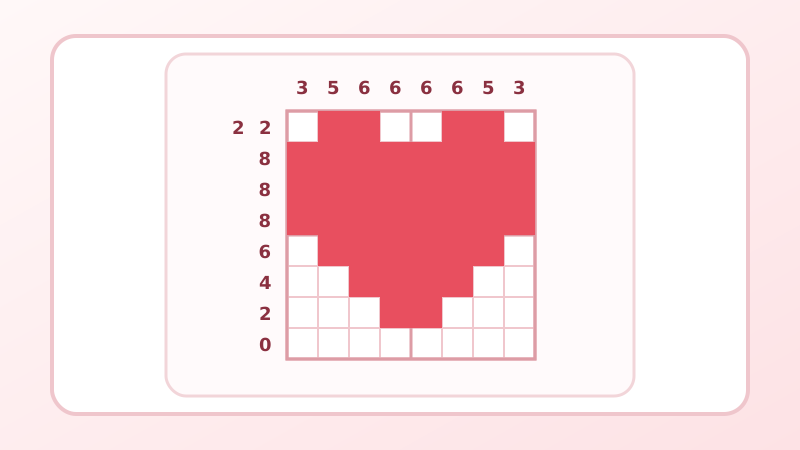
Choose a black-and-white or colour nonogram, or create your own.
Open nonogramsRELAX puzzles is an online home for word searches, Sudoku and nonograms. Choose a puzzle for a short break or a longer logic challenge, solve it directly in your browser and sign in to create your own puzzles, too.
Want to know more about the platform? Read how RELAX puzzles works.
Choose a word search, Sudoku or nonogram to suit whichever puzzle you feel like solving right now.
Signed-in users can create their own word searches and nonograms.
Create an account. Once you sign in, we save your progress. We keep track of the puzzles you have already solved and save the ones you are still working on, too.
Yes. You can solve word searches, Sudoku and nonograms online for free. Simply choose a puzzle and open it directly in your browser, without installing another app. You can create an account later when you want to save your solved puzzles or create your own word searches or nonograms.
No. You can solve puzzles without an account. An unfinished game may remain in this browser for a limited time, but continued availability is not guaranteed. After signing in, progress is saved to your account so you can continue on another device. You can also see solved games, filter for unsolved ones, and collect badges and hints.
RELAX puzzles is not the only source of new word searches and nonograms. Signed-in users also create public word searches and nonograms, so the collection keeps growing with new ideas, pictures, jokes, quotes and riddles. You can easily add your own word search or nonogram and make it available to others, too. In addition, 16 new Sudoku puzzles are added every day across four difficulty levels.
Creating a word search at www.relaxpuzzles.com is easy. After signing in, choose a category for your word search: a joke, quote, riddle or your own text. Set the grid dimensions, write an introduction and enter the hidden message that will be revealed once all the words have been found. The system then randomly selects suitable words from our word database and places them in the grid to create a playable word search. You do not need to come up with or enter individual words; you only decide on the dimensions, the introductory text, the hidden message and whether your word search will be public or private. The www.relaxpuzzles.com platform does all the hard work of creating the puzzle for you.
A nonogram is a picture logic puzzle, also known as a griddler or Japanese crossword. The numbers beside the rows and columns tell you which cells to fill in to gradually reveal a picture. Colour nonograms also use different colours, so the result can be a more colourful picture. After signing in, you can draw your own design in the grid, choose one or more colours and save it as a playable nonogram.
Look for words in the grid that may be hidden horizontally, vertically or diagonally, in either direction. Once you have marked all the words, the remaining letters form a hidden message when read row by row. The hidden message usually completes a joke, quote, riddle or answer in the introductory text. If you do not finish the word search in one go, signing in lets you return to the words you have already found later.
The aim of Sudoku is to fill in the numbers from 1 to 9 so that no number appears more than once in any row, column or 3 × 3 box. Start with the prefilled cells and gradually eliminate impossible options. Every day, 16 new Sudoku puzzles await you, four at each of the four difficulty levels, so you can choose the challenge that suits you. When you are signed in, your current Sudoku progress is also saved as you solve it.
Yes. You can open RELAX puzzles in a browser on your phone, tablet or computer without downloading a separate app. Every word search, Sudoku and nonogram supports both touch controls and mouse clicks. This lets you comfortably solve a word search, Sudoku or nonogram on whichever device you have at hand. When you are signed in, your unfinished puzzle is saved even when you switch devices.
Yes. Private word searches do not appear in public lists. In My word searches, click the link icon next to a generated puzzle and send the copied link to friends or students. Anyone with this special link can open it, even without signing in. The ordinary private puzzle address without that link is accessible only to its owner.
Use “Report a problem” next to any word search, sudoku or nonogram. Describe what is wrong; the game and page link are attached automatically. For other questions or suggestions, use “Write to us” in the footer or on the contact page. You can send a message without an account. Leave your email if you would like a reply.
Hints are free and are not sold. Sign in to earn them through badges and milestones in solving, creating puzzles and active days. You may also receive a gift for solving a puzzle. A limited supply is available without an account. Your balance appears next to the light bulb in the header, and the trophy leads to badges.
Hints